
How to Protect Your Privacy Online With Safer Browsing
Have you ever noticed a login alert from a city you have never visited? Someone may have compromised your online privacy.
Understanding how to protect your privacy online starts with one simple idea. Every account, app, and browser setting can limit or expand who sees your data. It can also affect who stores it and profits from it.
At A Courageous Voice, we know that protecting your privacy and your child's privacy is essential to online safety. People rarely lose privacy in one dramatic breach. It's usually surrendered through small defaults that feel harmless. In this article, we'll explain what online privacy means, how data spreads, and which actions reduce your risk the fastest.
Key Takeaways:
- Your data gets onto the internet when you fill out forms, open accounts, sync devices, and more. Scammers can steal or collect this data. They may attempt to steal your identity, get access to your accounts, or worse.
- Your online privacy is vulnerable, but there are steps you can take to protect your personal details online. Start by auditing and tightening up your privacy settings on every app and account you have.
- Privacy requires ongoing maintenance. Update passwords and settings over time, especially after a breach.
- Opt-out of any optional tracking, whether it's location or advertising when possible. Keep your devices encrypted, use a PIN, and remove permissions from apps you are not using anymore.
- Taking simple steps such as these will keep your data safer online. Continuous updating and maintenance is also essential for ongoing safety.
Why Online Privacy Matters

Online privacy is your control over over your personal data. It determines how it is collected, used, and shared across websites, apps, devices, and services. Exposed information may include your name, address, contacts, location history, browsing habits, or payment details. Together, these form a highly usable identity profile.
The Federal Trade Commission has repeatedly warned that stolen or overexposed personal information can lead to scams, identity theft, and account takeover. The point here is simple: privacy determines whether strangers can manipulate your finances, routines, and reputation offline.
How Your Information Gets on the Internet
Your data gets onto the internet when you take seemingly harmless actions. This may include creating accounts, filling out forms, making purchases, granting permissions, or syncing devices. Less obvious data comes from ad networks, analytics tools, and embedded scripts that observe behavior across multiple services. This is why one search can influence ads on unrelated sites.
What Happens After Data Is Collected
Collected data like credit card information is used to build online profiles. These profiles infer interests, income range, habits, and future behavior. Profiling changes more than advertising because data aggregation makes re-identification easier.
Step 1: Audit and Tighten Privacy Settings Everywhere
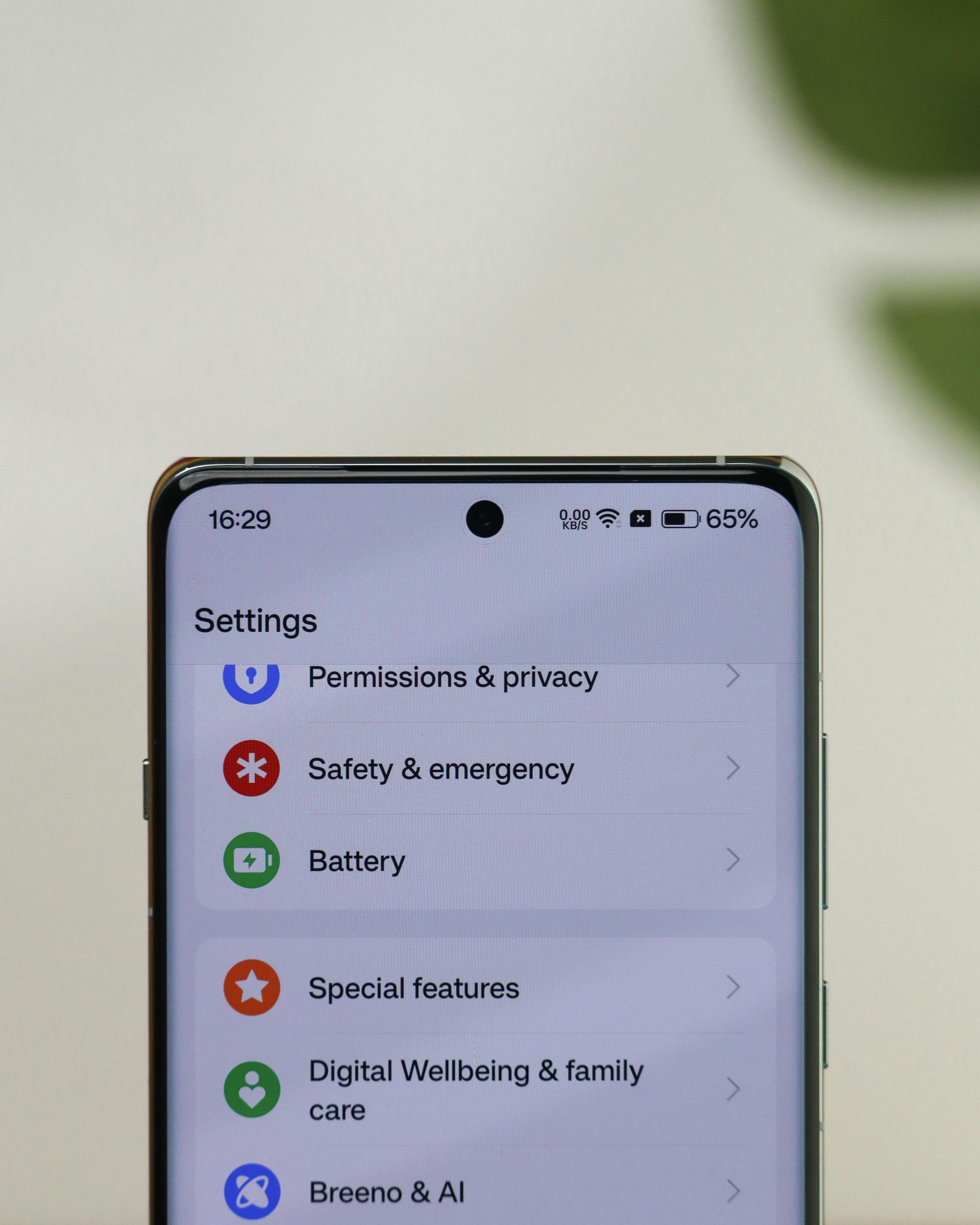
Start with the accounts that can unlock everything else: email, banking, your Apple ID or Google Account, and your main social platforms. These accounts are at the center of identity recovery. Weak privacy settings here can increase the blast radius of any single compromise.
Turn off any ad personalization or contact syncing you do not need. Also turn off public profile fields that expose birthdays, workplaces, or relationship details. Doing a recurring quarterly review is essential since app updates and policy changes often restore sharing options quietly. Online privacy is a maintenance task, not a one-time setup.
Social Media Privacy: Reduce Oversharing by Default
Set social media posts to friends-only, and hide friend lists when possible. Restrict tagging, and review old posts for addresses, school names, travel routines, or family details. Even when a platform hides some information you can still be at risk. An exposed IP address through linked services, messages, or account events can still help attackers connect identities across systems.
App Permissions: Give the Minimum Needed
Grant
camera permission, microphone permission, and contacts access only when a feature truly requires them. “Only while using the app” is a good default because background access turns occasional data use into continuous collection.
Step 2: Reduce Tracking From Advertisers and Websites
Most tracking relies on cookies, device fingerprinting, tracking pixels, and identifiers that persist across sessions. Device fingerprinting is especially important. It can combine browser version, fonts, screen size, language, and hardware clues into a complete profile.
Use privacy-focused browser settings, block third-party cookies where supported, and add reputable anti-tracking extensions sparingly. Tracking reduction is layered. No single switch stops surveillance if you stay logged into multiple services that monetize behavior.
Cookies and Cross-Site Tracking Controls
Clear your site data after sensitive sessions, especially on shared or travel devices. Use separate browser profiles for work, shopping, and personal activity. Segmentation reduces correlation, which means advertisers and platforms have fewer chances to merge unrelated behaviors into one unified profile.
Step 3: Secure Accounts With Strong Authentication

Use unique passwords for every account, especially email, banking, cloud storage, and social media. Password reuse remains one of the fastest paths from one small breach to multiple larger breaches. Attackers test leaked credentials across many services automatically.
Enable multi-factor authentication on critical accounts first and store recovery codes in a secure place. Recovery settings are just as important as login settings. This is because outdated backup emails or phone numbers can turn a lockout into a permanent account loss.
Password Managers and Passkeys
A reputable password manager can generate and store long credentials that humans would never remember consistently. Passkeys are increasingly valuable because they reduce phishing risk. They also make credential stuffing far less effective than traditional passwords alone.
MFA Options Ranked by Security
A security key is generally stronger than an authenticator app. An authenticator app is generally stronger than SMS codes. Attackers can phish codes, intercept messages, or exploit prompt fatigue. On the other hand, hardware-based proof is much harder to steal remotely.
Step 4: Keep Devices and Apps Updated And Encrypted

Enable automatic updates for your operating system, browser, password manager, and core apps. Security patches close known flaws that criminals actively exploit. This means delaying an update can make your device more vulnerable.
Turn on full-device encryption and use a strong screen lock such as a long PIN or passphrase with biometrics as a convenience layer. Encryption protects data at rest. This means a lost laptop or stolen phone is less likely to become a readable archive of your messages, files, and tokens.
Browser and OS Updates
Outdated browsers increase exposure to malicious scripts, fake update prompts, and drive-by downloads. A patched browser is not perfect protection. However, it removes many well-documented attack paths that criminals prefer because they scale cheaply.
Step 5: Control Location Data and Mobile Tracking
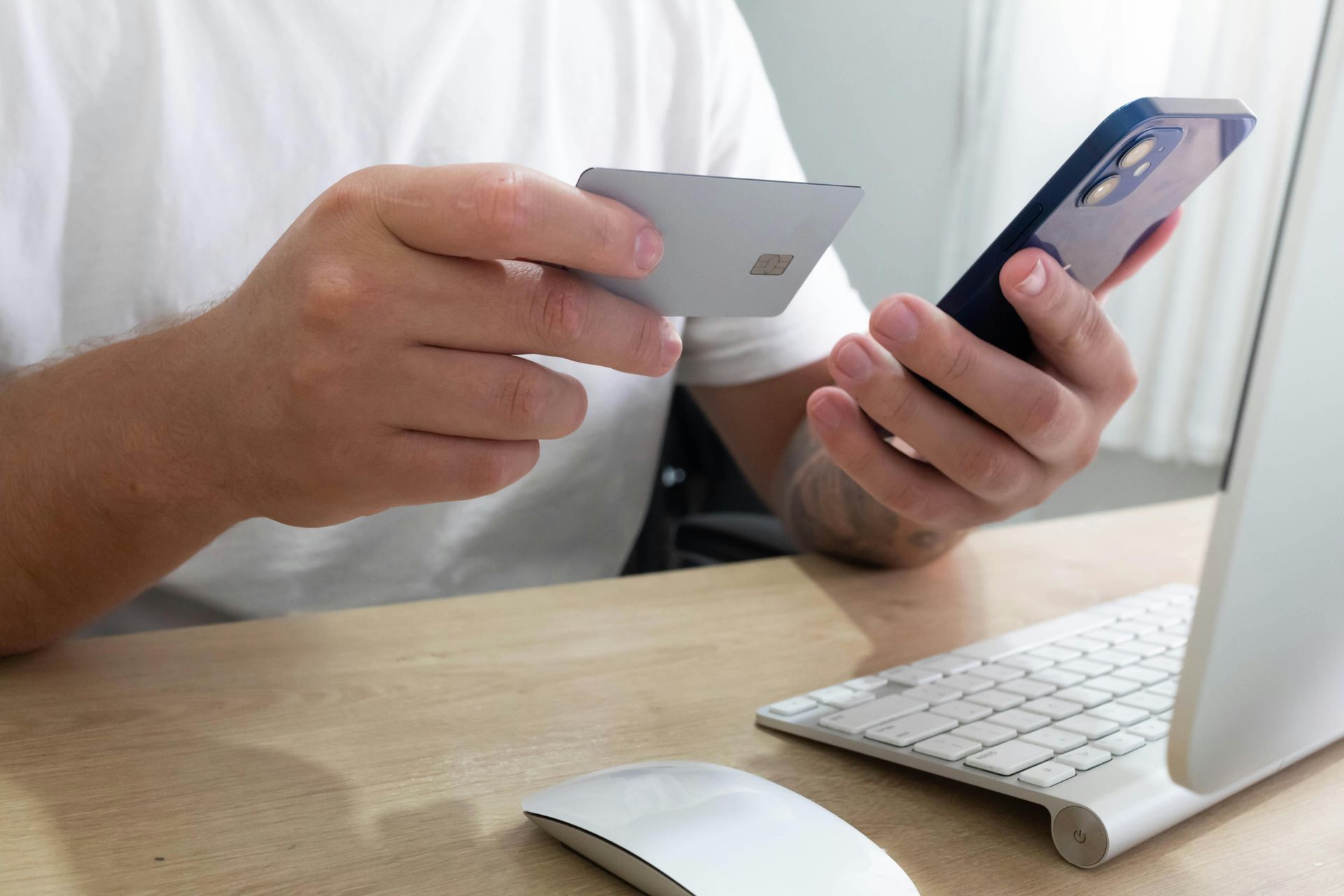
Limit location sharing to essential apps and disable precise location unless the feature truly depends on it. Mobile app trackers often connect location, device identifiers, and behavior into commercial profiles. These profiles can reveal where you sleep, work, shop, and travel.
Review background location access regularly and remove permissions from apps you no longer use. Reset or limit ad tracking where your device allows it. Reducing identifier stability makes long-term behavioral linking harder for advertisers and data brokers.
Location Permissions on iPhone and Android
Use “never” or “ask next time” for apps that do not need location to function. Audit system-level location services separately from app-level permissions. Many users disable one and assume the other changed too.
Step 6: Remove or Reduce Your Data Footprint

Search for your name, email addresses, usernames, and phone numbers to see what is already exposed. This simple audit often reveals old forum accounts, cached profiles, and public resumes. Breach-related mentions can continue feeding search visibility long after you forgot them.
Close unused accounts, delete stored payment methods, and remove saved addresses from shopping sites you no longer trust. Data minimization is effective because information that no longer exists in an account cannot be leaked, sold, or subpoenaed from that account later.
Protect Yourself And Your Children Online
At
A Courageous Voice in Michigan, we know that online safety is important for everyone, especially our kids. Those that exploit children can easily hide online. By spreading awareness and sharing safety tips, we can create a safer online environment for everyone. To learn more about how we are
protecting kids from abuse and exploitation, visit our site or
get involved today.
FAQs
1. How can you be tracked online?
You can be tracked through cookies, your IP address, device fingerprinting, mobile app trackers, and email tracking pixels. These tools let websites, apps, and third parties connect activity across sessions and services. Public Wi-fi is often vulnerable to online scams and social engineering.
2. Does incognito mode protect my privacy online?
Incognito mode mainly allows for semi-private browsing. It prevents your device from saving local history and cookies after the session ends. It does not hide activity from websites, employers, internet providers, or many trackers.
3. What is online privacy and why does it matter?
Online privacy is your ability to control how personal data is collected, used, and shared. It matters because exposed data can enable scams, identity theft, stalking, doxxing, and account takeovers.
4. How do websites and apps collect and use your information?
They collect data from accounts, forms, purchases, device identifiers, and granted permissions. They use it for functionality, analytics, personalization, targeted advertising, and often third-party sharing.
5. What should I know about people search sites that sell my information?
People search sites compile public records and commercial data into searchable profiles. Many offer opt-outs, but listings can return, so periodic follow-up is usually necessary.