Website Safety Checker for Parents: Review Sites Before Kids
Children can encounter privacy violations, harmful content, financial scams, or unsafe contact even on technically secure websites. Using a website safety checker alongside Google Safe Browsing, a link safety check tool, and a website reputation checker can
reveal known threats. Keep reading to discover how a broader child-safety review can identify risks that automated scans cannot interpret.
Key Takeaways
- Parents should use free website safety checkers to check sites for malware, viruses, and bad reputations before kids visit them.
- Website checker tools can find hidden threats, scams, and phishing in real-time by checking links directly.
- Always look for HTTPS (lock icon) in the browser bar. New or misspelled domains often signal risky or scam websites.
- Most scanners provide fast results. Just paste a link or domain name to get a clear safety report before your child clicks it.
- Use both manual checks and online tools together to best protect children from unsafe websites.
Check a Website Through a Child-Safety Lens

An effective website review examines technical security, privacy, content, and commercial pressure. This all happens before a child creates an account or clicks a link. Parents should also inspect cookies, community rules, and moderation options. These details reveal how a site treats children and their data.
Prevention Education for Safer Online Decisions
A Courageous Voice provides prevention education for online and offline safety. This helps children, parents, and teachers recognize risks before abuse or child exploitation occurs. Its approach supports informed adult judgment, including checking reporting controls.
Technical tools cannot assess grooming behavior, coercion, or whether a child understands when to seek help.
Spot the Risks a Basic Link Scan Can Miss

Leave a site when it redirects, initiates aggressive pop-ups, or unexpected downloads. Watch out for browser warnings that interfere with normal use. These behaviors can indicate scams, deceptive advertising, or an attempt to move visitors away from the page they intended to open.
Review direct messaging, public profiles, live streaming, disappearing messages, and stranger contact separately. Violent or sexual content, unnecessary personal-data requests, and gambling-like mechanics. These can endanger children without triggering a conventional malware scan.
Use a Repeatable Website Review Framework

Evaluate each site according to the child’s age, maturity, intended activity, supervision needs, and available parental controls. Record concerns and classify the site as lower concern, needs adult review, or avoid. Recognize that this rating supports a decision rather than certifying safety.
Run Basic Technical Checks
Confirm that the web address uses HTTPS. Remember that encryption protects transmitted information rather than proving the operator is trustworthy. Inspect the URL for misspellings, unexpected domains, malware alerts, and phishing indicators. Leave immediately if the browser issues a security warning.
A reputable URL scanner can compare site reputation data against known threats and blocking tools.
Review Privacy and Data Collection
Examine account requirements, advertising practices, cookies, data-sharing language, and default privacy settings before providing personal information. Requests for a child’s school, full name, photographs, phone number, and more require a clear and necessary purpose.
Question requests like location tracking, camera access, and microphone access when those permissions are unrelated to the service. Unnecessary access expands the consequences of account compromise and may expose a child’s identity, surroundings, or routine.
Assess Contact, Content, and Spending Risks
Identify user-generated content, public posting, private messaging, location sharing, and live interaction features. Weak age verification does not prevent adults from entering child-oriented spaces. Accessible blocking, reporting, and moderation systems remain essential.
Review influencer disclosures, subscriptions, in-app purchases, randomized rewards, and content standards. Commercial design becomes a child-safety concern when urgency, social pressure, or gambling-like rewards discourage considered decisions.
Build Safer Digital Habits at Home and School
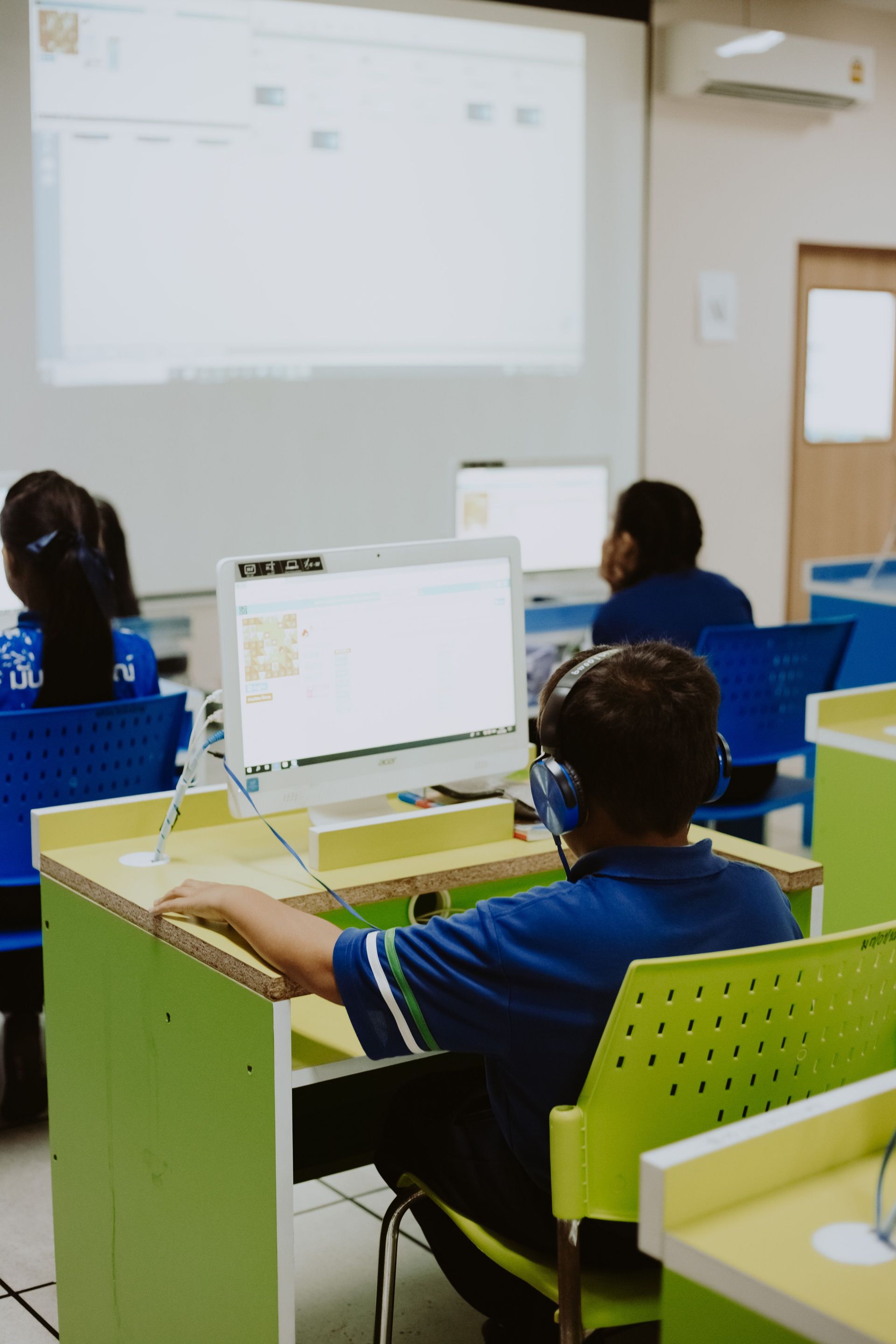
Create consistent rules requiring adult approval for unfamiliar links, downloads, permissions, purchases, and privacy-setting changes. These routines help adults detect concerns before a child shares information or begins communicating with an unknown person.
Teach children how to block harmful users and submit a safety report. Teach them to save relevant messages, and speak with a trusted adult without expecting blame. Shared language between families and schools makes disclosure easier because children know how adults will respond.
Turn Your Concerns Into Action

- Open the checklist and inspect the URL, privacy policy, permissions, account requirements, and interactive features.
- Mark each concern, then choose stronger settings, active adult supervision, or complete avoidance.
- If contact becomes threatening, leave, record evidence, block the user, and report the account through the platform.
- Change exposed credentials and contact emergency services or child-protection authority when a child may be in immediate danger.
Learn From Child-Safety Educators
A Courageous Voice is dedicated to keeping kids safe off & online through education. Our Kids Voices Matter program equips children with age-appropriate safety knowledge and confidence to speak up. Our Stronger Together program supports adults through parent training and teacher training.
Community Engagement and Community Partnerships extend prevention beyond individual households. This coordinated model helps parents, educators, and organizations establish consistent expectations around safety, reporting, and trusted-adult support.
Review Websites Before Your Child Clicks
Website safety checkers are vital tools for parents. They can be used for games, social platforms, educational tools, and unfamiliar links. It is wise to be cautious with new domains, as they may not be secure. Regularly checking URLs keeps your children protected online and gives you peace of mind. Stay informed, use these tools, and keep your kids safe on the web.
FAQs
1. Can a Website-Reputation Tool Prove a Site Is Safe?
No, threats can flag known malicious activity. It cannot fully assess moderation policies, privacy practices, or changes made after the scan.
2. What if a Site Has HTTPS but Still Feels Off?
HTTPS encrypts data moving between the browser and website. It does not verify the site’s content, users, policies, advertising practices, or intentions.
3. What Should I Do if My Child Already Shared Information?
Stop further contact, document what occurred, change exposed passwords, and report the relevant user or platform. Contact the appropriate authority immediately if threats, exploitation, or immediate danger may be involved.
4. What Does a Website Safety Checker for Parents Review?
A comprehensive review will consider adult or violent content, sexual material, hate speech, and scams. It can also consider malware warnings, intrusive advertising, privacy risks, and unsafe links. These findings help adults match access and supervision to the child’s age and maturity.
5. How Much Does a Website Safety Checker Cost?
PCrisk Scanner provides a free URL check, while SafeToOpen paid plans add real-time zero-day detection and Paste Guard. The appropriate option depends on whether the family needs a one-time review or continuing protection.
6. How Should I Choose a Website Safety Checker for My Child?
Choose a tool with transparent criteria, current threat data, broad device coverage, good ratings, and responsible privacy practices. Treat every result as a screening aid rather than proof that every page, user, or future interaction is safe.